How to Get Your Eurostar Ticket
A step-by-step guide to retrieving your e-ticket using your Booking Reference (PNR)
1 Find your Booking Reference (PNR)
Locate your 6-character Booking Reference (often referred to as PNR) in your order details on our platform. You will also need the Last Name of the lead passenger.
2 Download the Eurostar App
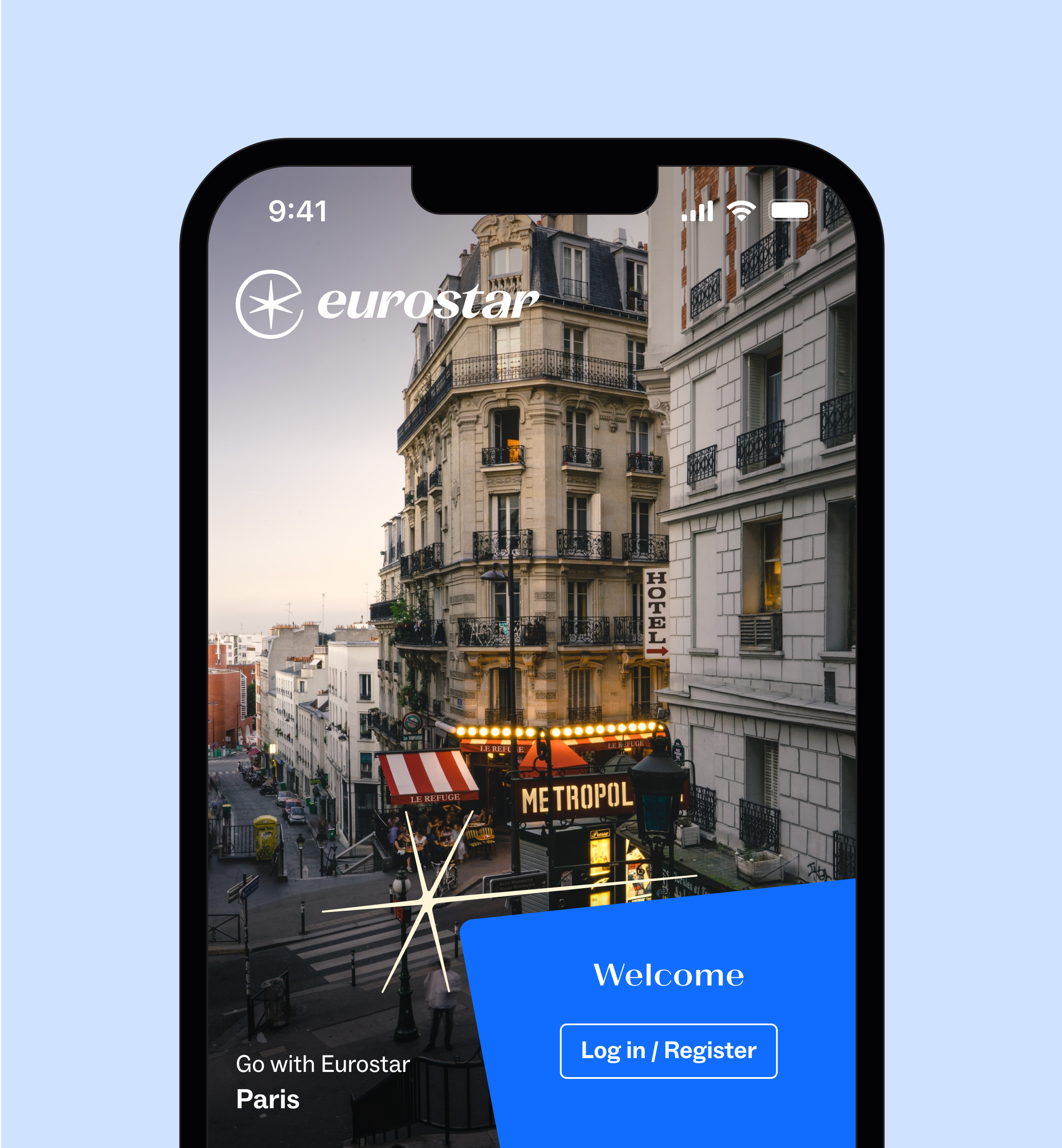
Check live train updates, manage your trip, and change seats anytime.


3 Navigate to "Manage Booking"
Launch the app and tap on the "Manage Booking" or "Your bookings" option, usually located in the bottom navigation menu or tab bar.
4 Enter Your Details
In the input fields provided, enter your 6-character Booking Reference and the passenger's last name exactly as they appear on your order. Tap "Find booking" to proceed.
5 Download Your Ticket
Once your booking is loaded, look for the option to "Get tickets", or add them to your mobile wallet (like Apple Wallet or Google Wallet). Present this ticket at the departure gates.